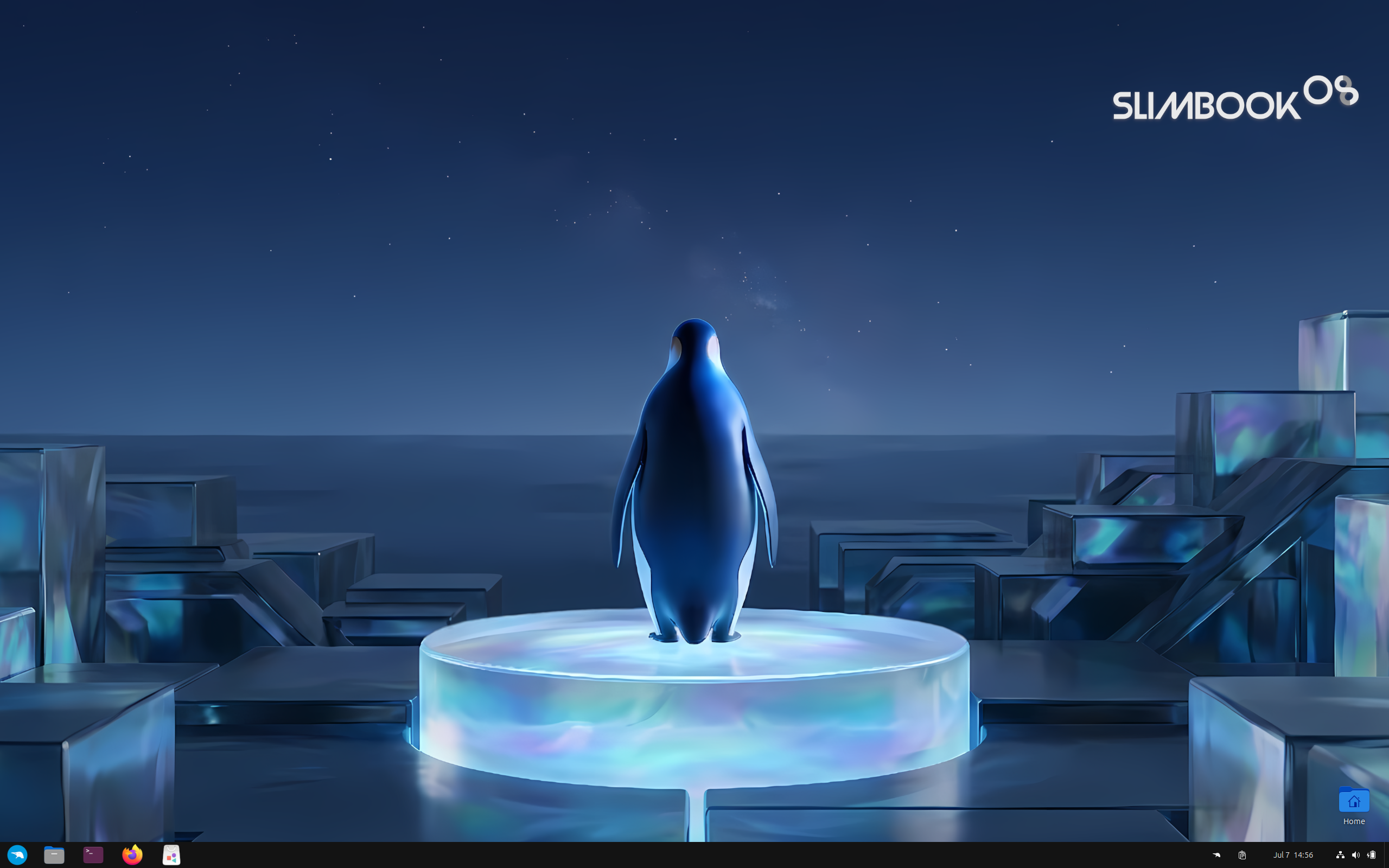
Slimbook OS Review
Slimbook OS 25-r5: Ubuntu LTS, Tuned for Slimbook Hardware
Some distributions are built for any computer you happen to own. Slimbook OS is built first for a specific line of computers. According to its DistroWatch listing, Slimbook OS is an Ubuntu-based Linux distribution customised for the Slimbook line of Linux computers assembled in Spain. That hardware focus shapes its choices — from the desktops it offers on a single image to the small utilities it adds on top of Ubuntu.
The latest release in DistroWatch’s feature table is Slimbook OS 25-r5, released on 27 October 2026, following 24-r127 on 29 June 2026. DistroWatch lists Slimbook OS as Active and free, based on Ubuntu (LTS), originating in Spain, for the x86_64 architecture only, and categorised as Desktop and Live Medium. If you want the plain upstream experience first, compare it with our Ubuntu review — Slimbook OS starts there and then changes the parts its maker cares about most.
It is still a niche name by DistroWatch’s numbers, but the readers who find it rate it highly. Slimbook OS ranks 118th in DistroWatch’s popularity rankings with 113 hits per day, and its average visitor rating is 9.8 out of 10 from 4 reviews. That is a very small sample, so treat the score as enthusiasm from early users rather than a verdict at scale.
At a Glance
| Latest Release | Slimbook OS 25-r5 (27 October 2026) |
| OS Type | Linux |
| Base | Ubuntu (LTS) |
| Origin | Spain |
| Desktop | GNOME, KDE Plasma (DistroWatch’s feature table for 25-r5 lists GNOME as the default desktop) |
| Architectures | x86_64 |
| Installer | Calamares |
| Package Manager | apt |
| Package Formats | deb, flatpak, snap (DistroWatch’s description says the project prioritises DEB and Flatpak over Ubuntu’s snap options) |
| Release Model | Fixed |
| Init System | systemd |
| File Systems | Btrfs, ext4 |
| Category | Desktop, Live Medium |
| Price | Free (ISO image size 3,500–3,600 MB for 25-r5, per DistroWatch’s feature table) |
| DistroWatch Popularity | 118 (113 hits per day) |
| Visitor Rating | 9.8 / 10 from 4 reviews |
Two Desktops on One ISO: GNOME or KDE Plasma
The most useful choice Slimbook OS makes is at install time. DistroWatch says it offers a choice of GNOME or KDE Plasma desktops on a single ISO image, which also includes some custom extensions and utilities. You do not have to download separate editions to try both approaches, or commit to one desktop before you have seen the other running on your hardware.
DistroWatch’s feature table for 25-r5 lists GNOME as the default desktop and Firefox as the default browser, with LibreOffice as the office suite. Readers who already know they want Plasma on an Ubuntu base should also see our Kubuntu review, which takes the dedicated-edition route — Slimbook OS instead keeps both desktops inside one image aimed at its own machines.
Try YouTube TV | Special Discount
DEB and Flatpak First, Plus Its Own Repositories
Software policy is where Slimbook OS deliberately parts company with stock Ubuntu. According to DistroWatch, the distribution provides its own repositories for some software, prioritising DEB and Flatpak packages over Ubuntu’s snap options. The underlying tools remain familiar Ubuntu ones: DistroWatch’s feature table lists apt for package management and deb, flatpak and snap as the package formats for 25-r5, so snaps are present in the table but are not the project’s stated preference.
That preference will sound familiar to readers of our Linux Mint review — Mint, also built on Ubuntu LTS releases, likewise builds its own path around Ubuntu’s defaults. Slimbook OS applies a similar instinct to a much narrower job: supporting one hardware maker’s laptops and desktops, with a fixed release model and systemd as the init system, per DistroWatch’s feature table.
AWS Alternative - Digital Ocean
The Small Touches: Gestures, Tiling and Service Notifications
DistroWatch lists several specific additions that separate Slimbook OS from a plain Ubuntu install: touchpad gestures enabled by default, Slimbook service notifications, window tiling, the Terminator terminal emulator, a Ulauncher application for fast searching, and a day/night mode switcher. Taken together, they read as a maker’s checklist — gestures and service notifications in particular make most sense on the Slimbook hardware the system was customised for.
Installation follows the modern, graphical pattern. DistroWatch’s feature table lists Calamares as the installer for 25-r5 — a change from Ubiquity, which it lists for the older 22.04 release — along with multilingual support, and Btrfs and ext4 as the journaled file systems. The 25-r5 ISO is 3,500–3,600 MB per DistroWatch, notably smaller than the 5,100–5,200 MB listed for 24-r127, and it is a live medium, so you can try it before installing.
Who Should Try Slimbook OS?
- Slimbook owners — DistroWatch describes Slimbook OS as customised for the Slimbook line of Linux computers assembled in Spain, with Slimbook service notifications among its features.
- Ubuntu LTS users who prefer DEB and Flatpak — DistroWatch says the project provides its own repositories and prioritises DEB and Flatpak packages over Ubuntu’s snap options, while keeping apt as package management.
- Users undecided between GNOME and KDE Plasma — DistroWatch says Slimbook OS offers a choice of GNOME or KDE Plasma on a single ISO image, with GNOME listed as the default for 25-r5.
- Laptop users who want gestures and tiling ready-made — DistroWatch lists touchpad gestures enabled by default, window tiling, Terminator, Ulauncher and a day/night mode switcher.
- Not users who need another architecture or a rolling release — DistroWatch lists x86_64 only and a fixed release model for 25-r5.
Final Thoughts
Slimbook OS 25-r5, released on 27 October 2026 per DistroWatch, is a focused Ubuntu LTS remix: free, fixed-release and x86_64 only, installed with Calamares, managed with apt, and offered with GNOME or KDE Plasma on one image. Its identity is in the extras DistroWatch names — its own repositories, DEB and Flatpak prioritised over snaps, touchpad gestures, tiling, Terminator, Ulauncher, service notifications and a day/night switcher — all aimed first at Slimbook’s own Spanish-assembled computers.
If you own Slimbook hardware, this is the obvious first system to try on it, live from the ISO before you install. If you run other hardware and simply want a calmer, DEB-and-Flatpak-first take on Ubuntu LTS, it is still worth a live session — compare it with our Zorin OS review, another polished Ubuntu-based option built for a broad desktop audience rather than one maker’s machines.
Source: DistroWatch’s Slimbook OS listing, covering the Slimbook OS 25-r5 release of 27 October 2026.